Add a Loved One from an Old or Blurry Photo
Often there is only one photo left: a faded print, a small face in a group shot, a black and white picture from decades ago. That is usually enough. Scan it with your phone, crop it around their face, and upload it with the photo you want them in. The clearer the face, the closer the likeness.
First photo free with an account · then 5 photos for $4.99, no subscription
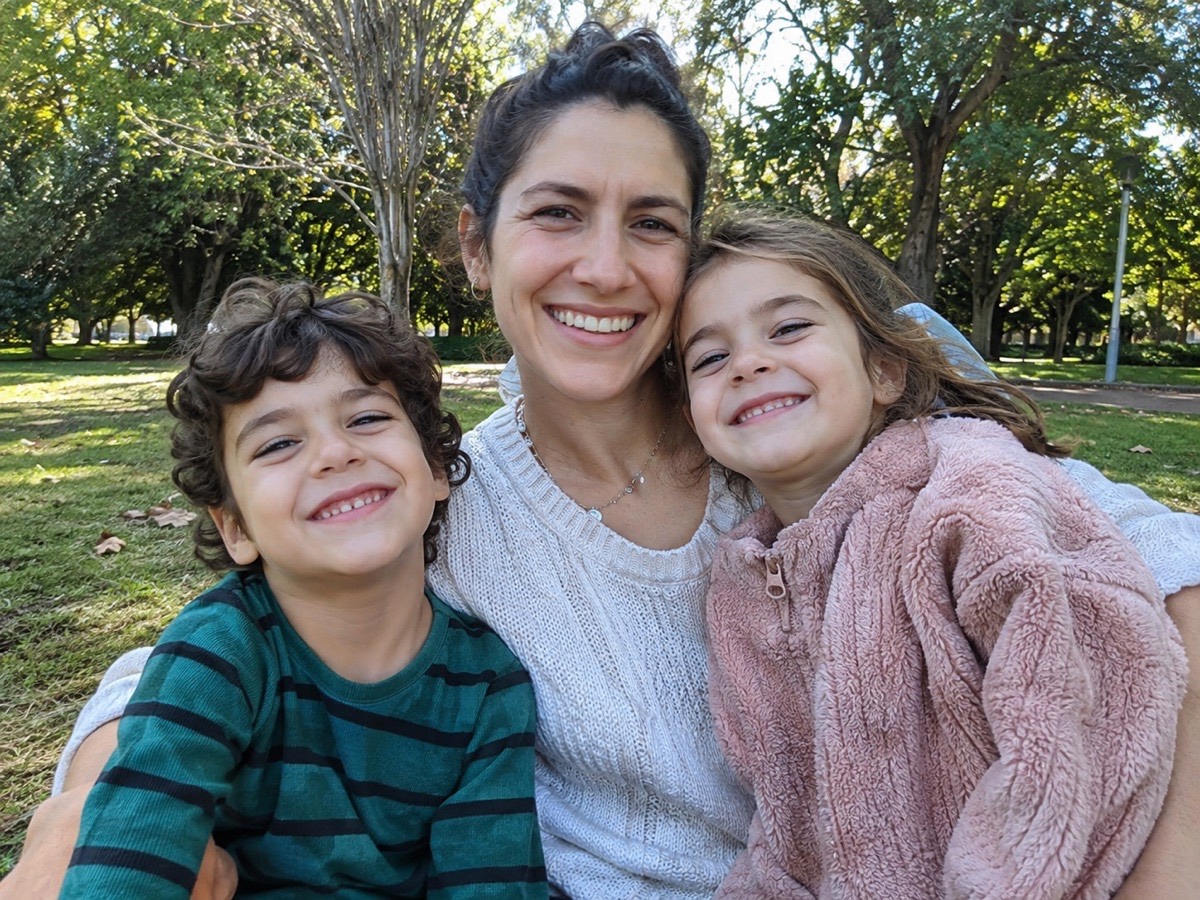
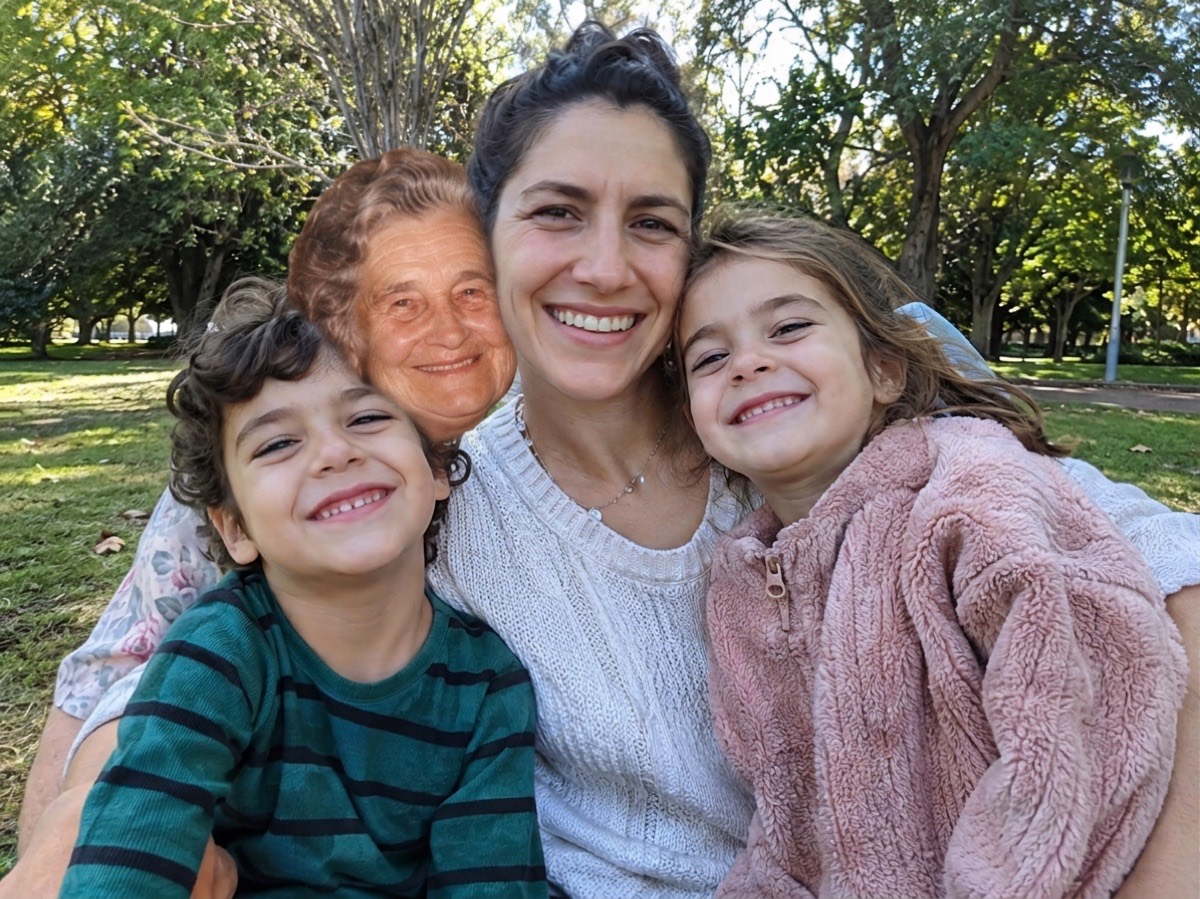 BeforeAfter
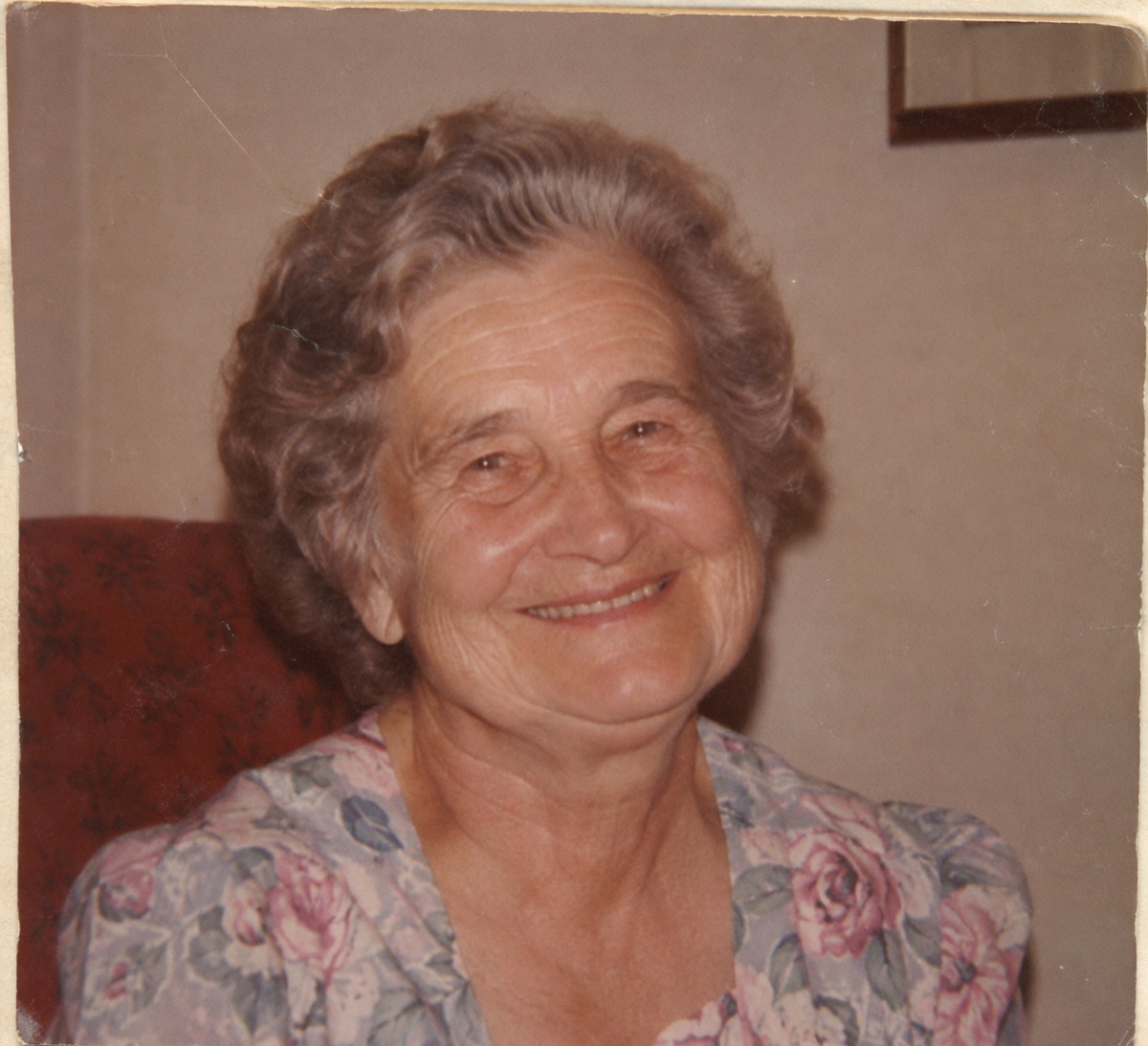
Example
The photo to add them to
A photo of the loved one
The new photo, together
How it works
Two photos in, one photo out. Nothing to install and nothing to learn.
First
Photograph the old print flat in daylight, then crop it close around your loved one’s face and shoulders.
Then
Upload the photo you want them in as photo 1 and the cropped old photo as photo 2.
Last
Press the button. If the likeness is not right, try a different crop or another print; a failed photo costs nothing.
One new photo, ready to printabout 1 minute
Scanning an old print with your phone
- Take the print out of the frame or album sleeve if you can; glass and plastic cause glare.
- Lay it flat next to a window in daylight. Turn off the flash.
- Hold the phone straight above the print so the edges look square, and fill the screen with it.
- Crop the photo around your loved one, so their face is large in the picture.
What usually works
- Black and white, sepia and faded color prints. They are shown in natural color to match the new photo.
- A face cropped out of a group photo, as long as it is not tiny or out of focus.
- Slightly soft or grainy photos. The tool keeps their features and gives them the sharpness of the main photo.
- Photos with small scratches or creases that do not cross the face.
What is harder
When the face is very small, heavily blurred, turned away or hidden by a crease, the AI has to guess more of it, and the result may look less like them. If that happens, try another print or a different crop. If the photo is made but they do not look like themselves, email us and we will redo that photo once for free. For badly damaged prints, a photo restoration studio that works by hand may give a better result than any AI tool.
Questions
Can I add someone to a photo if I only have one old picture of them?
Yes. One clear photo of their face is all the tool needs. Old, faded and black and white prints work; scan them with your phone and crop around the face first.
Will a blurry photo work?
A slightly soft photo usually works. A very blurry or tiny face gives a less faithful likeness, because the AI has to fill in the details. Try the sharpest copy you have.
Should I restore the old photo first?
Usually not. The tool already brings old photos into color and matches the sharpness of the main photo. Restoring first can help when a crease or stain crosses the face.
Can I add them from a photo where they are in a group?
Yes. Crop the group photo so only your loved one remains, with their face as large as possible, and upload that crop as photo 2.
What if the photo does not come out right?
If a photo fails or times out, its credit goes back to your balance automatically. If the photo is made but the AI changed your loved one’s face and they do not look like themselves, email hello@adddeceasedlovedonetophoto.org from the address on your account (or with your order receipt) and we will give you one free redo of that photo. A sharper, larger photo of their face usually gives a much closer likeness.
How much does it cost?
Your first photo is free when you create an account and confirm your email. After that, photos come in one-time packs: 5 photos for $4.99, 15 for $9.99 or 40 for $19.99. One credit is one photo. There is no subscription, and you can also buy a pack without creating an account.
What happens to the photos I upload?
The two photos you upload are only used to make your picture and are deleted automatically 24 hours after upload. The finished photo is kept privately in your account so you can download it again, until you delete it with your account (Settings → Security → Delete account, which removes your photos right away) or ask us at hello@adddeceasedlovedonetophoto.org. Photos are never shown to other visitors, sold or used to train AI.
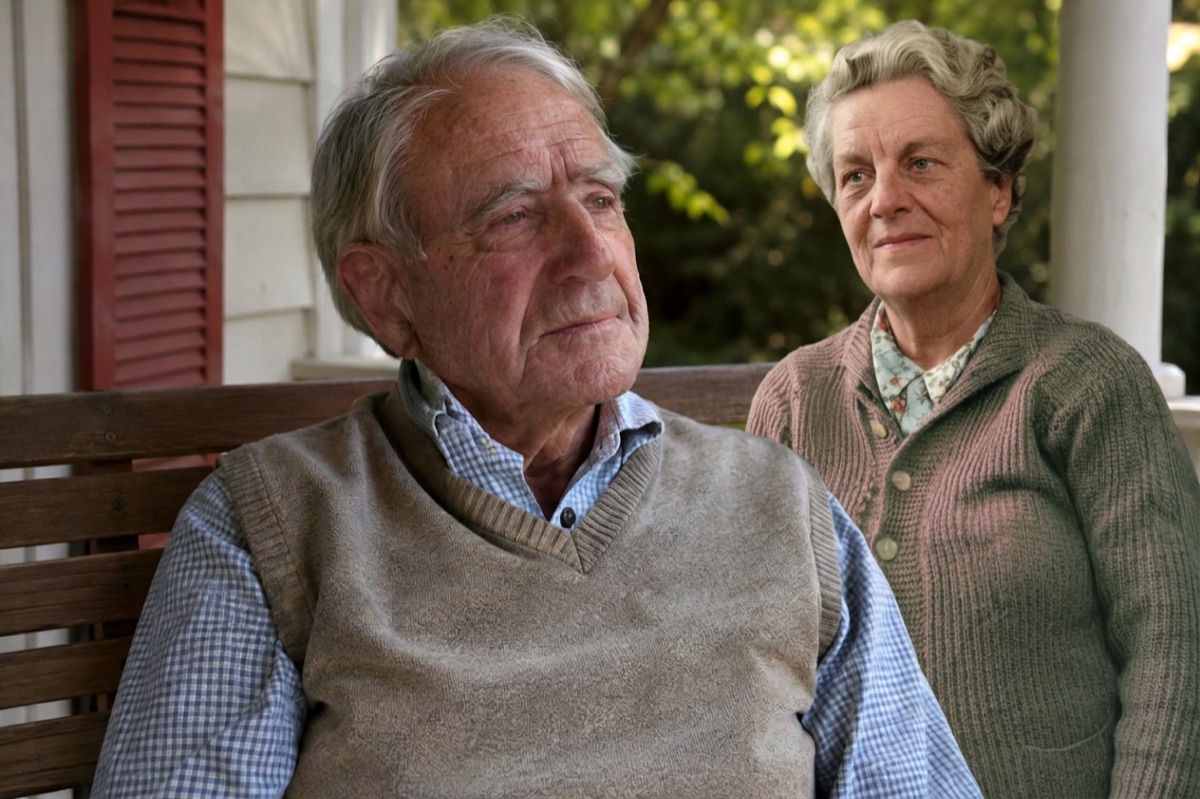
More about adding a loved one to a photo
- Add Deceased Loved One to PhotoAdd a deceased loved one to a family, wedding or graduation photo. Upload two photos and get one natural, realistic picture together. First photo free.
- Add Deceased Loved One to Photo with AI, FreeAdd a deceased loved one to a photo with AI for free: create an account, confirm your email and your first photo is on us. No app, no subscription.
- Add Deceased Loved One to Photo AppAn add deceased loved one to photo app that works in your phone’s browser on iPhone and Android. Pick two photos from your camera roll, no install needed.
- How to Add a Deceased Loved One to a PhotoHow to add a deceased loved one to a photo: with an AI tool in a minute, by hand in Photoshop or GIMP, or with a photo studio. Tips on choosing photos and printing.
- Add Deceased Loved One to Photo AI PromptA copy-and-paste AI prompt to add a deceased loved one to a photo in ChatGPT or Gemini, with tips for natural results, plus a free tool that does it for you.
- Add a Deceased Parent to a Family PhotoAdd your late mother or father to a family photo taken after they passed. Upload the family photo and a photo of them; get one natural photo together.
- Add a Loved One to a Wedding PhotoAdd a parent or grandparent who has passed to your wedding photo, standing beside you. Upload two photos, get one natural picture. First photo free.
- Add a Deceased Loved One to a Graduation PhotoAdd a parent or grandparent who passed away to a graduation photo, beside the graduate in cap and gown. Two photos in, one photo together. First photo free.
- Memorial Photo EditorMake a memorial photo for a funeral, memorial service or celebration of life: add your loved one to a family photo for the display board or program.
- Add Grandma or Grandpa to a PhotoAdd a grandparent who passed away to a photo with the grandchildren: a newborn photo, a holiday or a day at the park. Two photos in, one photo together.
- Loved One Photo Services ComparedAn honest comparison of AddFamilyPhoto, Vidney AI, PhotoMemorial AI, Etsy photo editors and Together Again: prices, free trials, watermarks and photo storage.
Your photos are safe with us
The photos you upload are only used to make your picture, are never shown to anyone else and are deleted automatically 24 hours after upload. Your finished photo stays private in your account until you delete it. Photos of public figures and explicit content are refused automatically.